


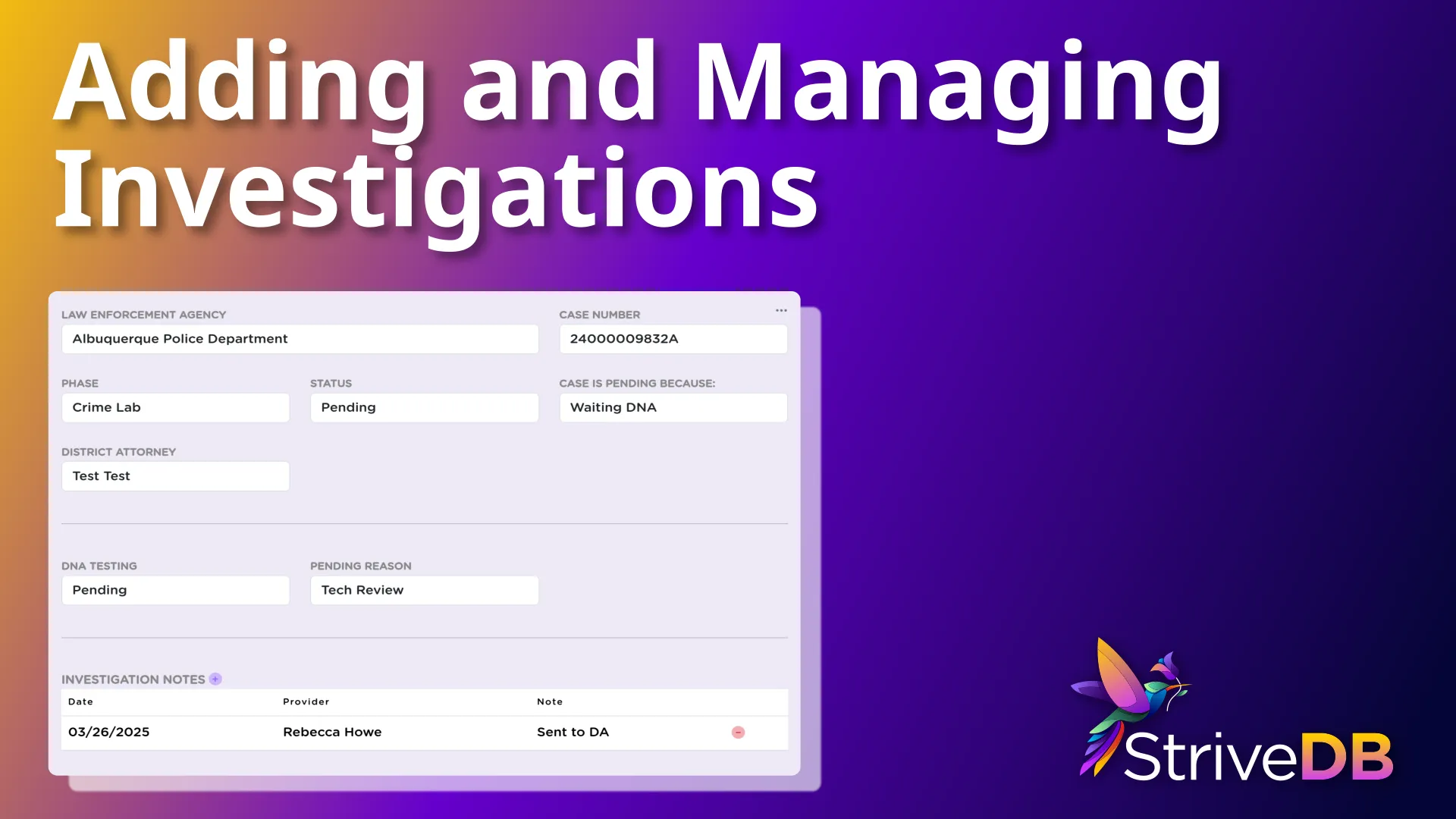
When a report turns into a criminal investigation, StriveDB gives you a clear and structured way to log what is happening -- without needing to dig through paper notes or external systems. Investigations are tied to a specific case, allowing you to track law enforcement involvement, case progress, and forensic testing.
This kind of tracking is not just for internal clarity -- many centers use this information to proactively follow up with law enforcement agencies and district attorneys to ensure cases are moving forward, DNA results are returned, and survivors are not left in the dark.
Here is how to log an investigation from start to finish.
Navigating to the Case File
Start by going to Advocacy, Cases, then select the relevant case you want to update. The investigation record will live inside that specific case file.
Not sure how to find your way around the case layout? Check out our StriveDB Overview or Intake Guide.
Logging Law Enforcement Details
Once you are in the case view, scroll to the Investigations section and click Add Investigation.
You will be prompted to enter:
- Law enforcement agency handling the case
- Case number issued by that agency
- Phase of the investigation -- such as with law enforcement, the DA, or a crime lab
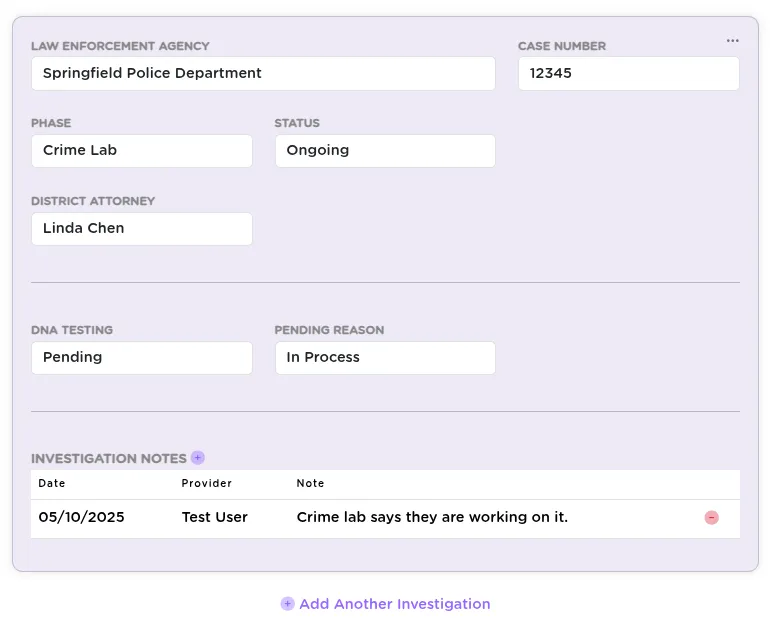
Keeping track of which agency has the case helps staff follow up with the right contact and avoid gaps in communication.
Setting the Investigation Status
Next, log the current status of the investigation:
- Ongoing -- Still under active investigation
- Pending -- Awaiting action or results (you can add a reason)
- Closed -- Completed, dropped, or resolved (you can also enter a reason)
Many centers use this field to know when to reach out to the DA or law enforcement for an update -- especially when things get stalled or go quiet.
Adding District Attorney Information
If the DA is known, you can record their involvement. This helps document whether the case has moved beyond law enforcement and gives other staff visibility into prosecution status.
Entering DNA Testing and Forensic Details
If forensic testing is part of the case, StriveDB lets you document:
- Whether DNA testing is pending, and whether it is in process
- If completed, whether:
- DNA was present
- DNA was not present
- DNA was insufficient
- Additional notes to clarify any of the above
Tracking DNA status is especially helpful when advocating with law enforcement or crime labs for timely testing and survivor communication.
Adding Investigation Notes
You can leave free-form notes in the investigation record. These notes are visible to anyone with access to the case and are useful for documenting updates, conversations with law enforcement, or procedural milestones.

Saving and Managing Investigation Records
Once everything is filled in, click Save. The investigation record will now appear in the case, and you can:
- Add another investigation (for example, if multiple jurisdictions are involved)
- Edit or delete existing entries as needed
Key Takeaways
Investigations in StriveDB are not just administrative -- they are advocacy tools. With law enforcement details, DNA tracking, and status fields all in one place, your team can more easily follow up with investigators, press for updates, and support survivors through what is often a frustratingly slow process.
Need help deciding how to standardize phases or statuses for reporting? Reach out to support and we will help align it with your agency's workflow.